Your account says Signature. Which cruise put you there?
You can see where you stand, not how you got there
Your account says Signature. You have no idea which cruise earned it.
SailQuery
Stop guessing which cruise upgraded you
SailQuery orders your sailings and marks the exact one that crossed your last tier line.
Maybe it was Symphony back in February. Maybe it was the Wonder week over Thanksgiving when the floor ran hot and you barely slept. So you scroll the camera roll for offer-letter screenshots, dig through the PDF folder, and the answer still isn't there. Club Royale is good at one thing: telling you where you stand right now. It's silent on the sailing that moved you.
And that silence costs you. Not knowing which trip drove the jump means you can't repeat it, can't plan around it, and can't tell whether you're climbing or coasting.
The upgrade blackout
Call it the upgrade blackout. The single number Club Royale surfaces is your current tier, and the single thing it buries is the sailing that got you there.
Most players have a rough gut sense ("probably the Allure trip") but a gut sense isn't a plan. If you're chasing Signature or holding it, you're making a real spend decision every time you book, and you're making it half-blind. Which offers actually converted into tier points? Which sailing was the one that mattered? The account page won't say. So players end up guessing at the very math that decides how much a next cruise is worth to them.
Why the screenshot pile can't answer it
The manual fix is what everyone already does: a folder of screenshots, a few forwarded emails, maybe a spreadsheet somebody swears they'll keep updated.
Here's where it breaks. A screenshot captures one offer at one moment. It doesn't connect to the sailing before it or the tier line ahead of it. To answer "which cruise upgraded me," you'd have to line up every offer, match each to its sail dates, add points in the right order, and spot where the running total crossed. Nobody does that reliably across three years and eight sailings. The pile grows, the ordering rots, and the one question you actually care about stays unanswered. A stack of moments isn't a timeline.
Reading the tier history view, top to bottom
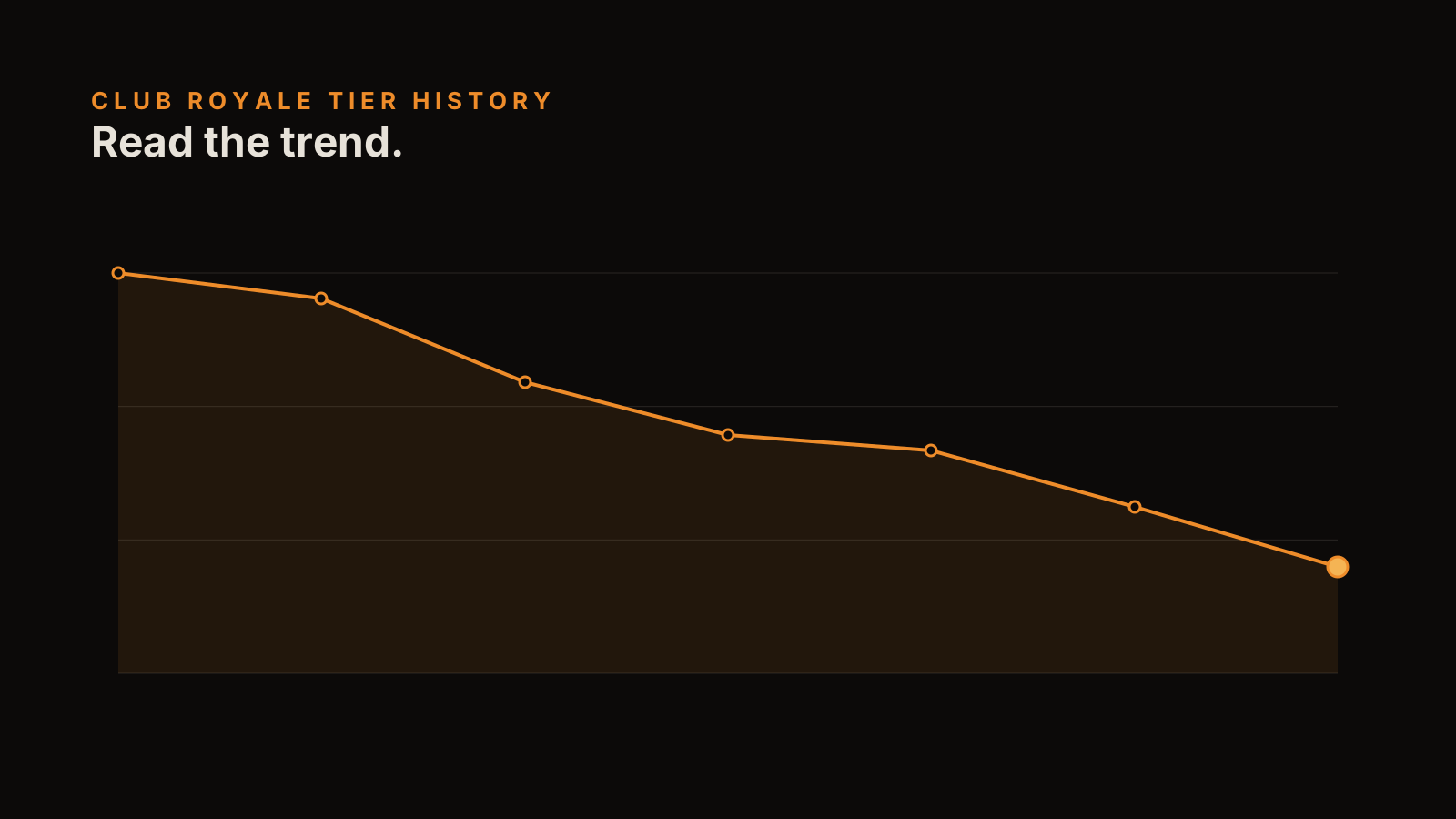
The tier history view stacks your sailings in order, newest at the top, and does the running math for you. Three things to read on it:
One, the per-sailing points. Each row is a cruise: ship, sail dates, points earned that trip. That's the raw signal, one sailing at a time.
Two, the running total. The column beside it carries your points forward down the timeline, so you're never adding by hand.
Three, the tier marker. When the running total crosses into a new tier, the view drops a marker on that exact sailing. That marker is the answer to the whole question. It's the cruise that moved you, named and dated, no guessing.
Finding the cruise that moved you
Run it on a real timeline and it's obvious in seconds. Say your last three sailings were Symphony, then Allure, then Wonder. Symphony and Allure built the base. Wonder is where the running total crossed the Signature line, so the marker lands there.
That's the sailing that upgraded you. Not the one you assumed, necessarily. Now you know the ship, the week, and roughly the play that got you over. That's a number you can plan the next booking around instead of a hunch.
Your timeline, in your browser
The timeline only works if the capture happens as offers arrive, not in a panic the week before you sail. That's the whole point of doing it in the extension: an offer lands, you save it in a couple of clicks, and the row writes itself into the history.
And it stays yours. The tier history builds and renders in your browser. Your sailings, your points, your offer letters. Not sitting on anyone's server, not tied to an account that can change its terms. You keep the ledger of your own play, and the upgrade blackout is over the first time you open the view.
SailQuery
See all your offers in one place
SailQuery captures every Club Royale offer from your account and compiles them into one searchable dashboard. First sync is free.